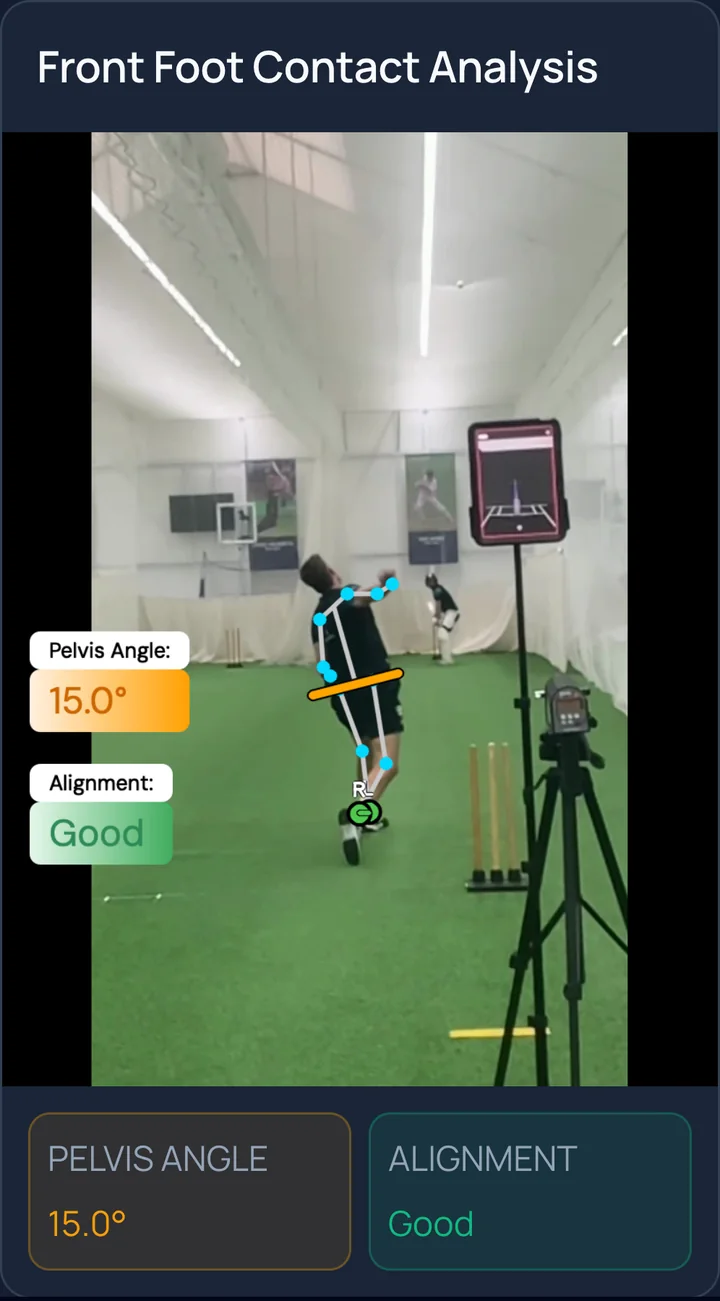
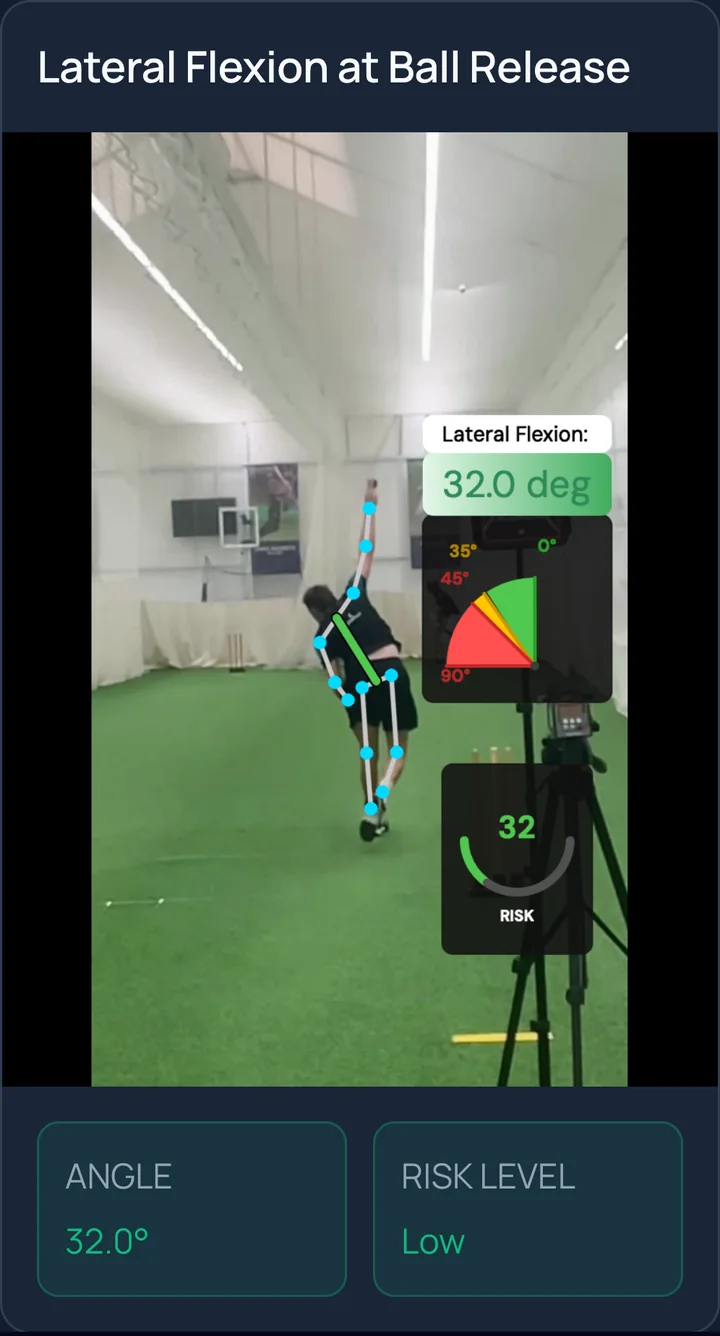
How to film your bowling
Set up your phone and capture a clear bowling action.
- 1
Pick your view
Side-on for a Performance Analysis. From behind for an Injury Scan. One delivery per video.
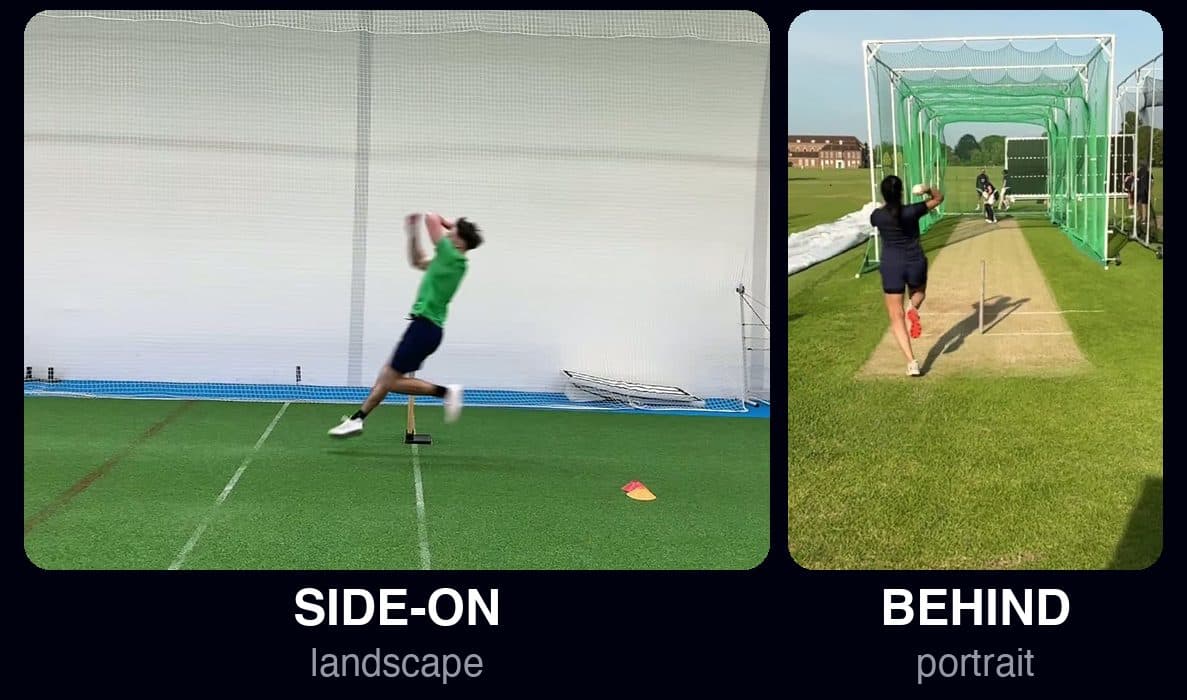
Side-on: Performance AnalysisBehind: Injury Scan - 2
Turn on slow motion
Slow motion is what lets us measure speed and angles. Use 240 fps if your phone has it, 120 if not.
- iPhone: Settings, Camera, Record Slo-mo, 1080p at 240 fps
- Android: Camera, More, Slow motion (or Super slow-mo)
240frames per second - 3
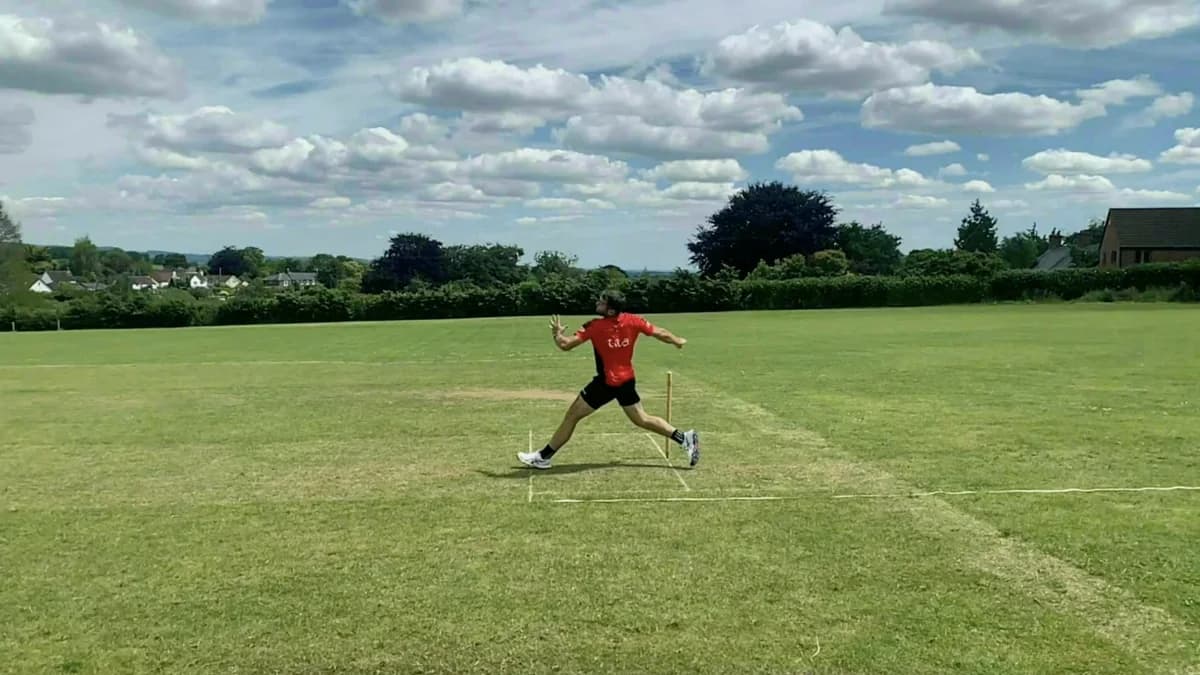
Stand side-on, 3 to 6 m away
Level with the crease at mid-wicket, phone at hip height, square to the pitch. Either side is fine.
- 4
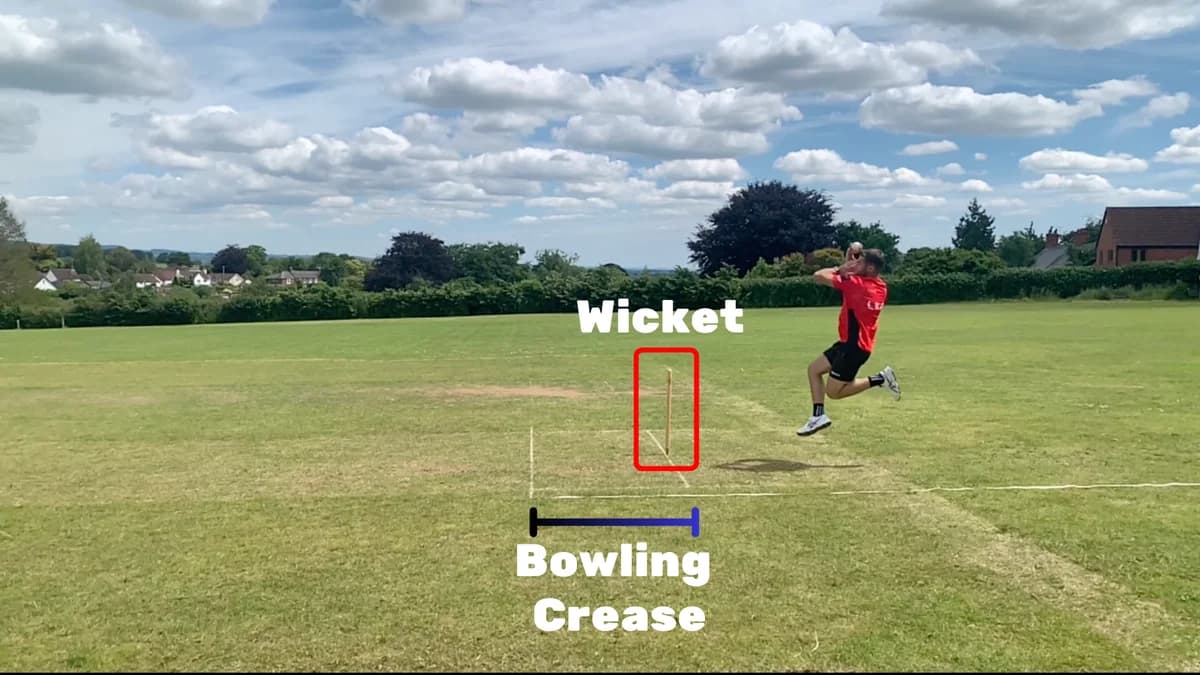
Keep the stumps or crease in frame
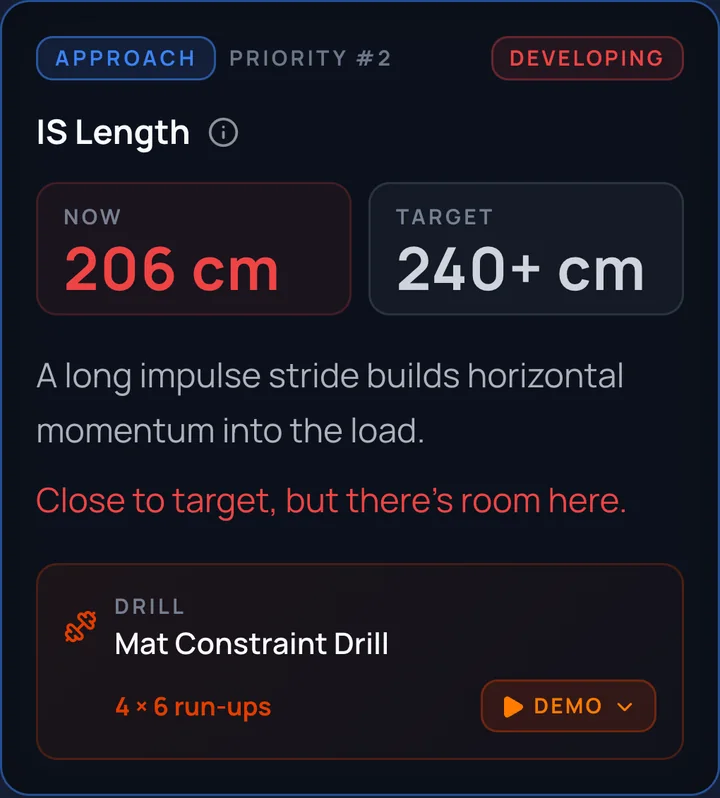
We use them to measure your speed and stride length.
- 5
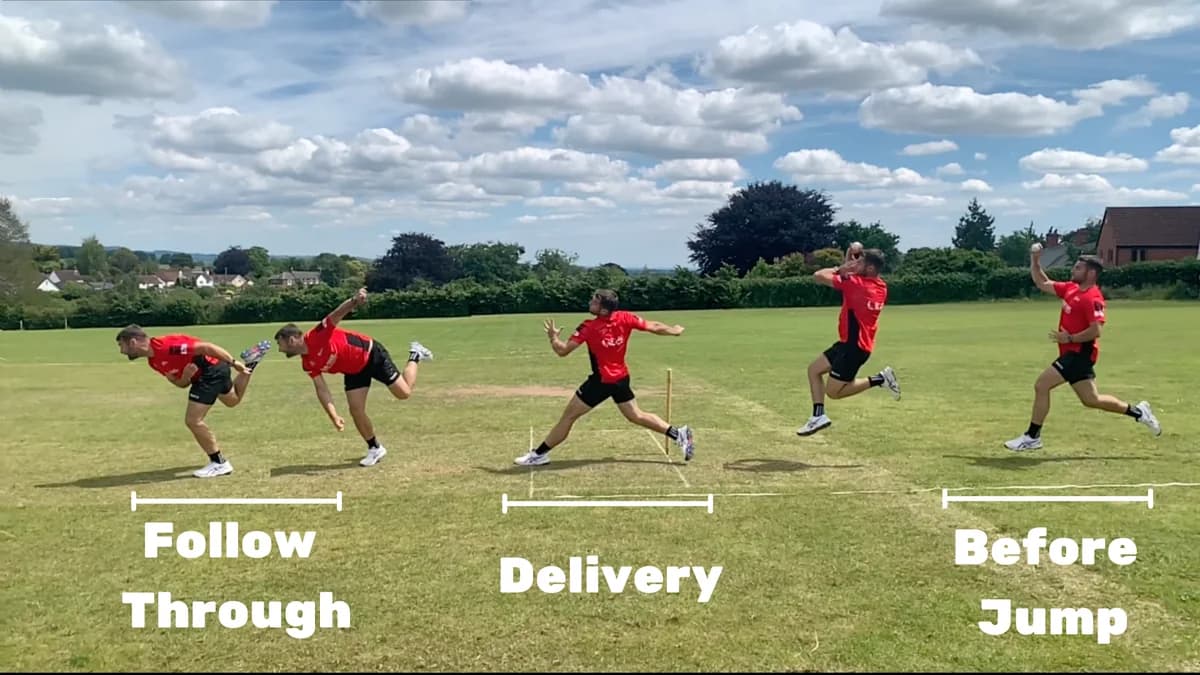
Film the whole action
From the stride before your jump to the end of your follow-through, with room on both sides. You do not need your whole run-up.
- 6
Keep the phone still
A tripod, a bag or a fence post. Do not follow the bowler with the phone.
- Daylight or a bright net
- Not into the sun
- Landscape for side-on
- 7
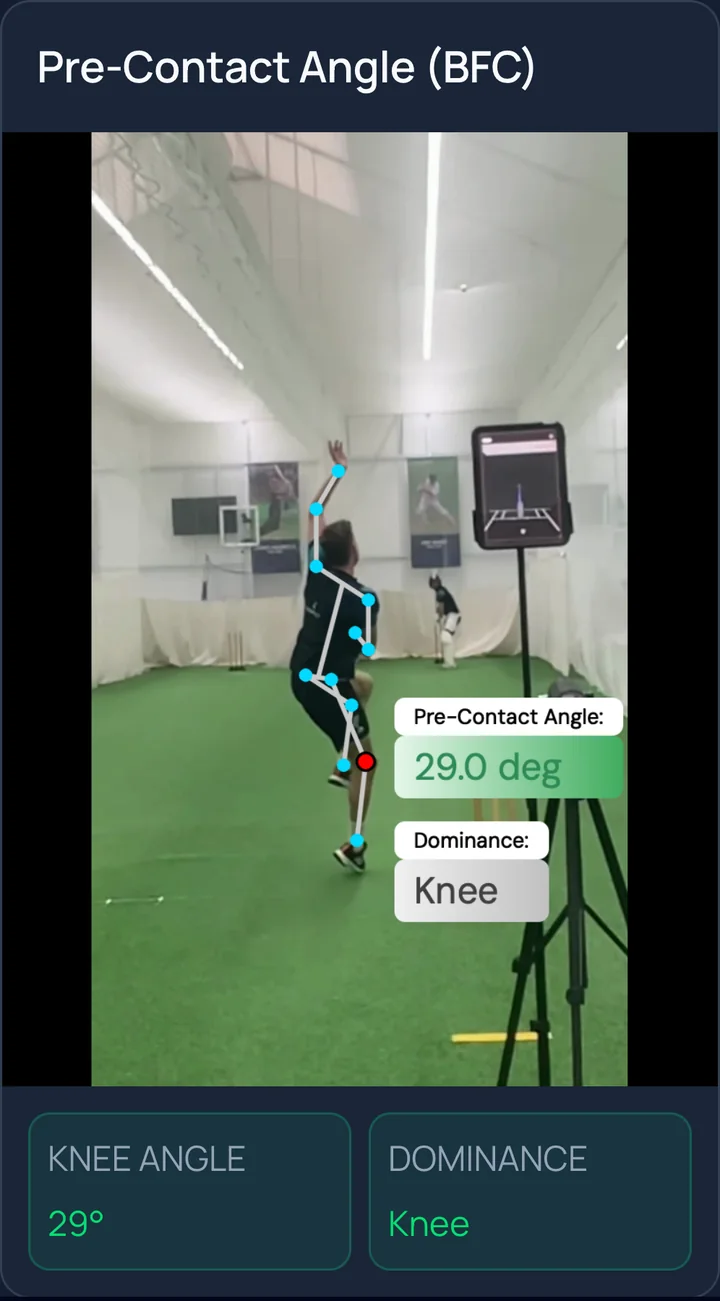
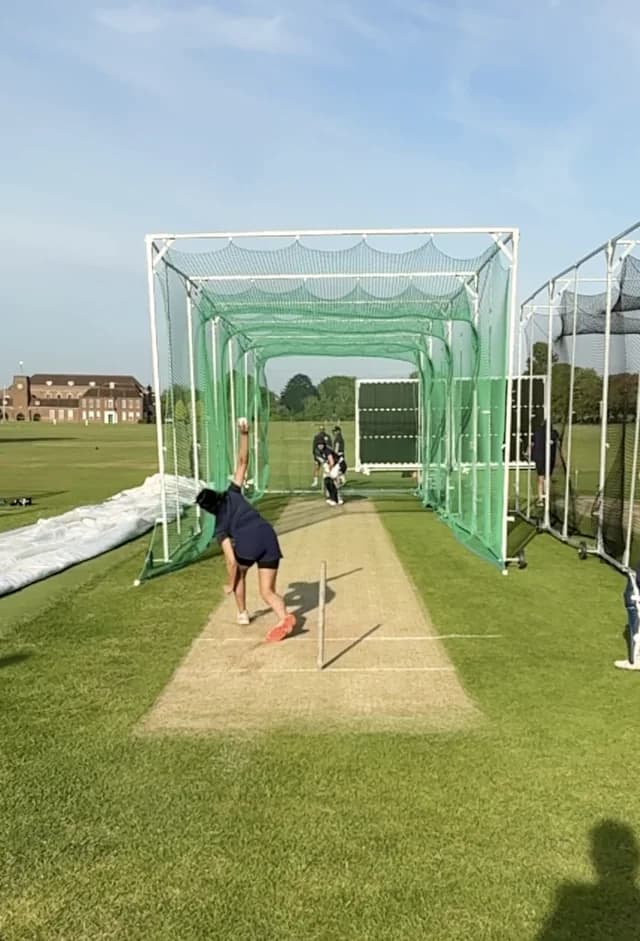
From behind, for the Injury Scan
Directly behind the bowler, in line with the stumps, phone upright. Head to toe in frame from run-up to follow-through.
- 8
Upload the original file
Send the clip straight from your camera roll. A WhatsApp or Instagram copy loses the slow motion.
- MP4 or MOV
- Up to 500 MB
- Results within 24 hours
Avoid
- Panning or zooming during the delivery
- Normal-speed video
- Match footage filmed from the boundary
- Portrait for a side-on clip