Add your squad
Add bowlers individually or together, then invite your squad.
- 1
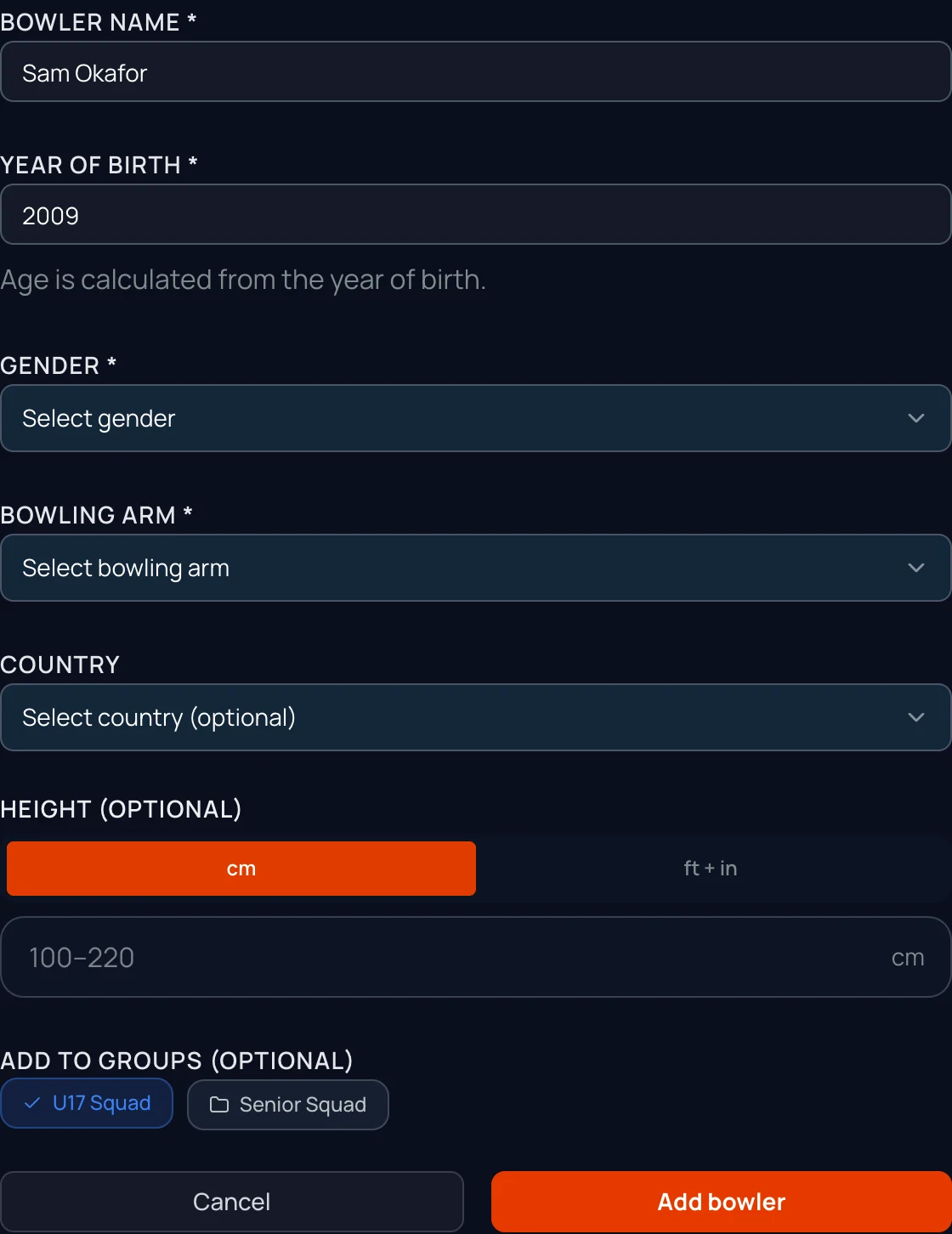
Add a bowler
Name, year of birth, gender and bowling arm. Country, height and groups are optional.
- 2
Or add the whole squad at once
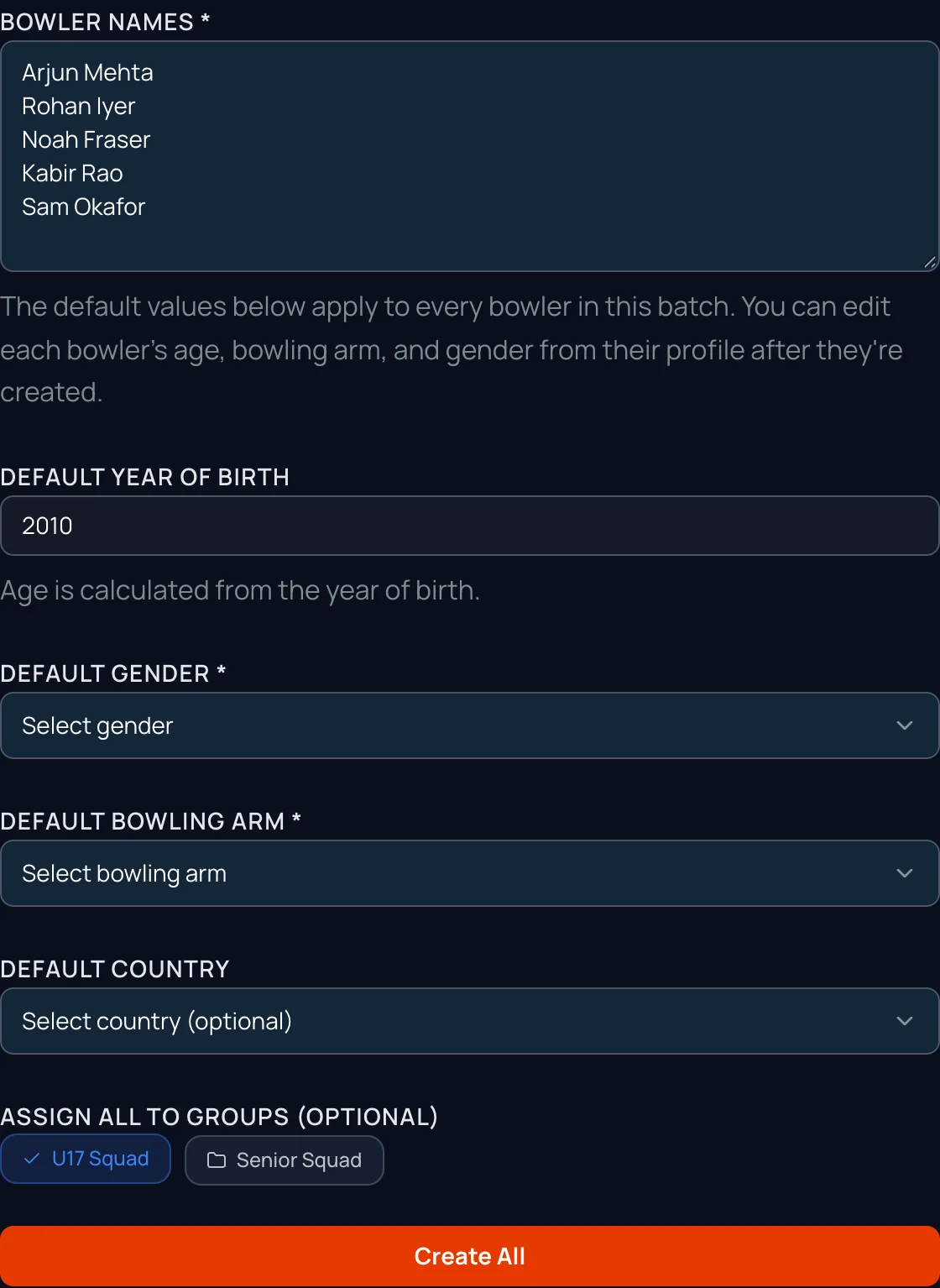
Bulk Add takes names pasted one per line. Set year of birth, gender, arm and groups once for the batch, then tap Create All. You can edit any bowler afterwards.
- 3
Put them in groups
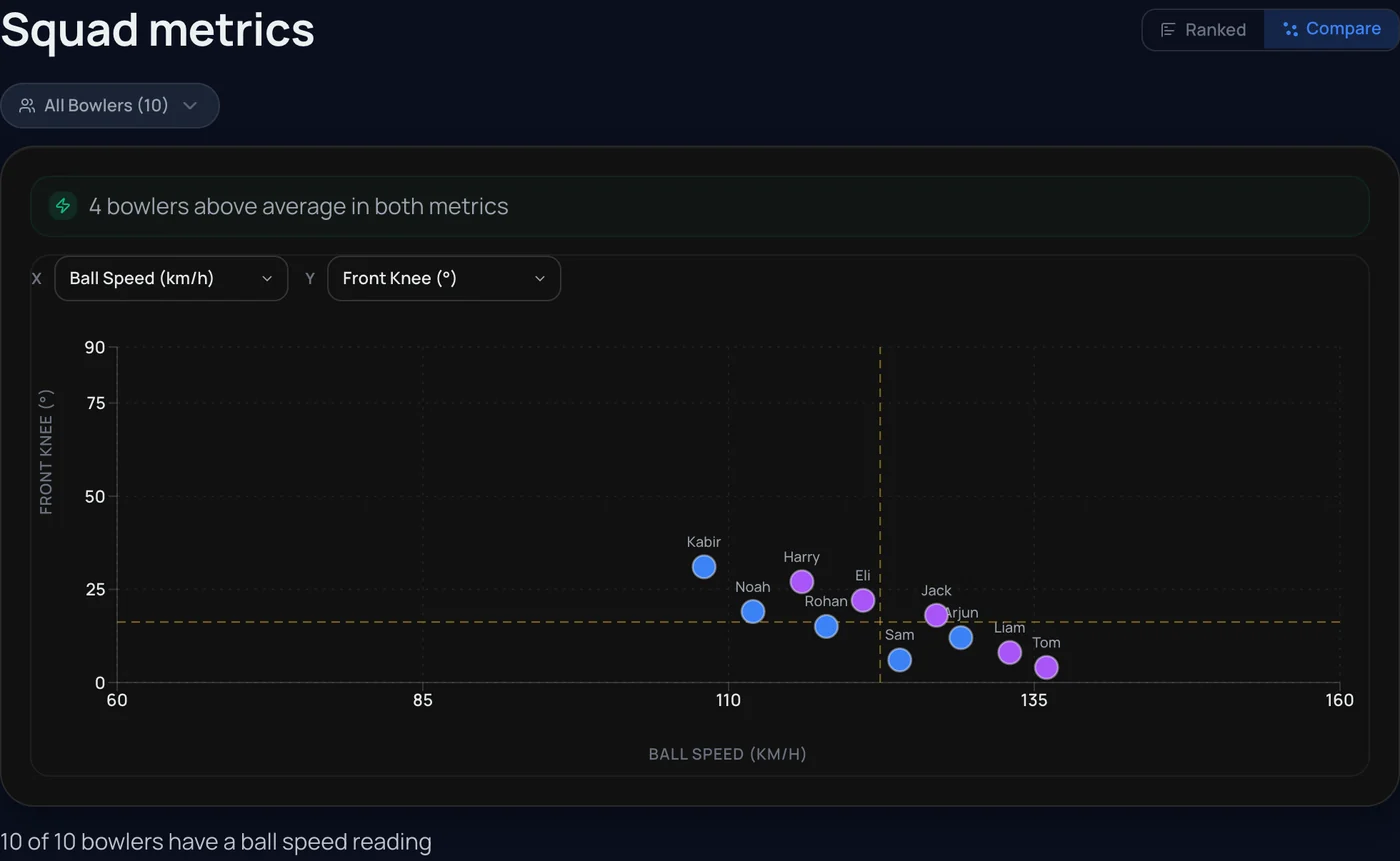
U17s, seniors, a school team. Groups filter your squad leaderboard, comparisons and squad reports.
- 4
Invite each bowler
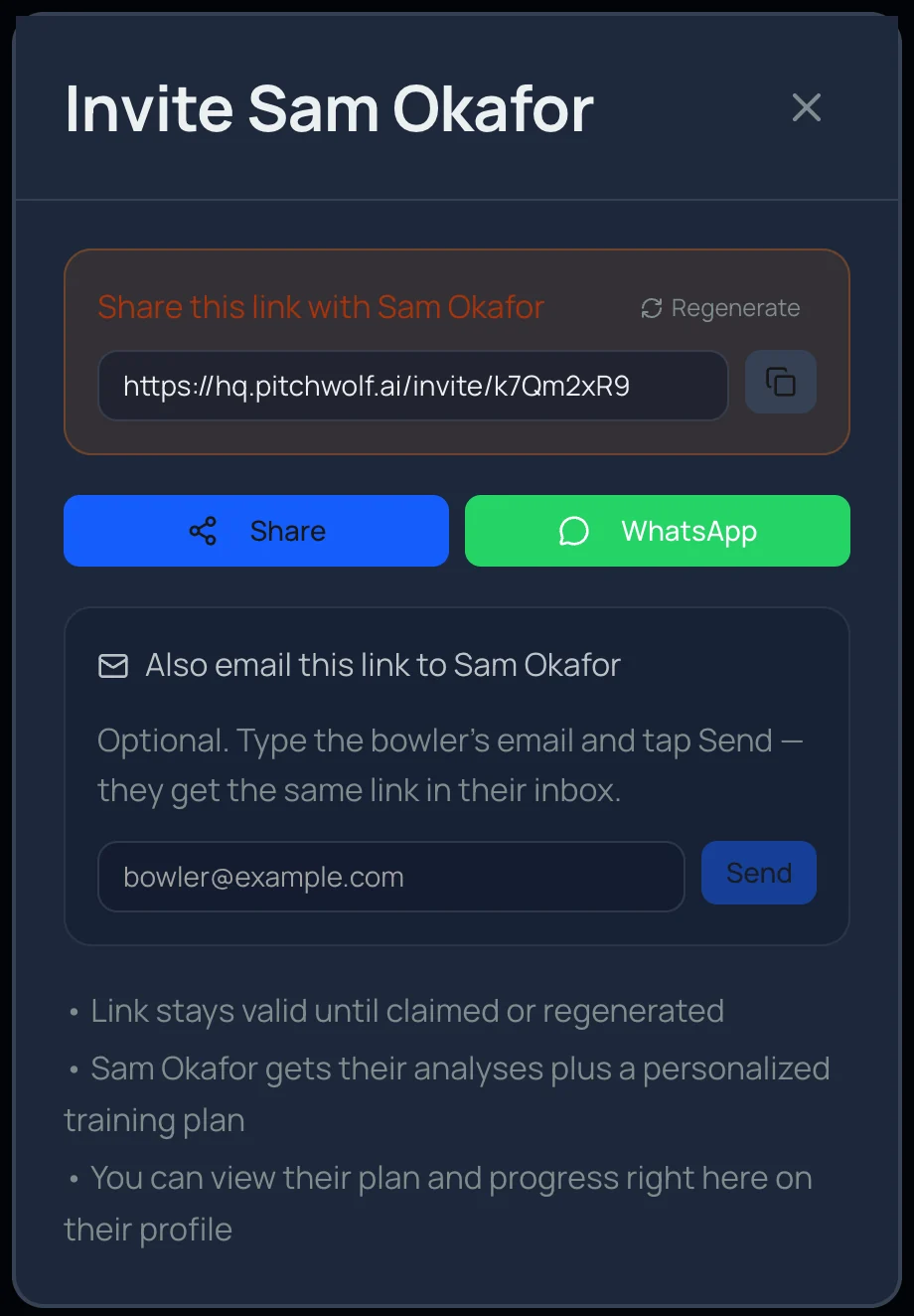
Invite to Pitchwolf on a bowler's profile makes their link. Send it on WhatsApp, share it from your phone, or email it from the same screen.
- 5
They claim their profile
The bowler opens the link and signs in with Google or email. Their analyses and a training plan are waiting, and you follow their progress on their profile.
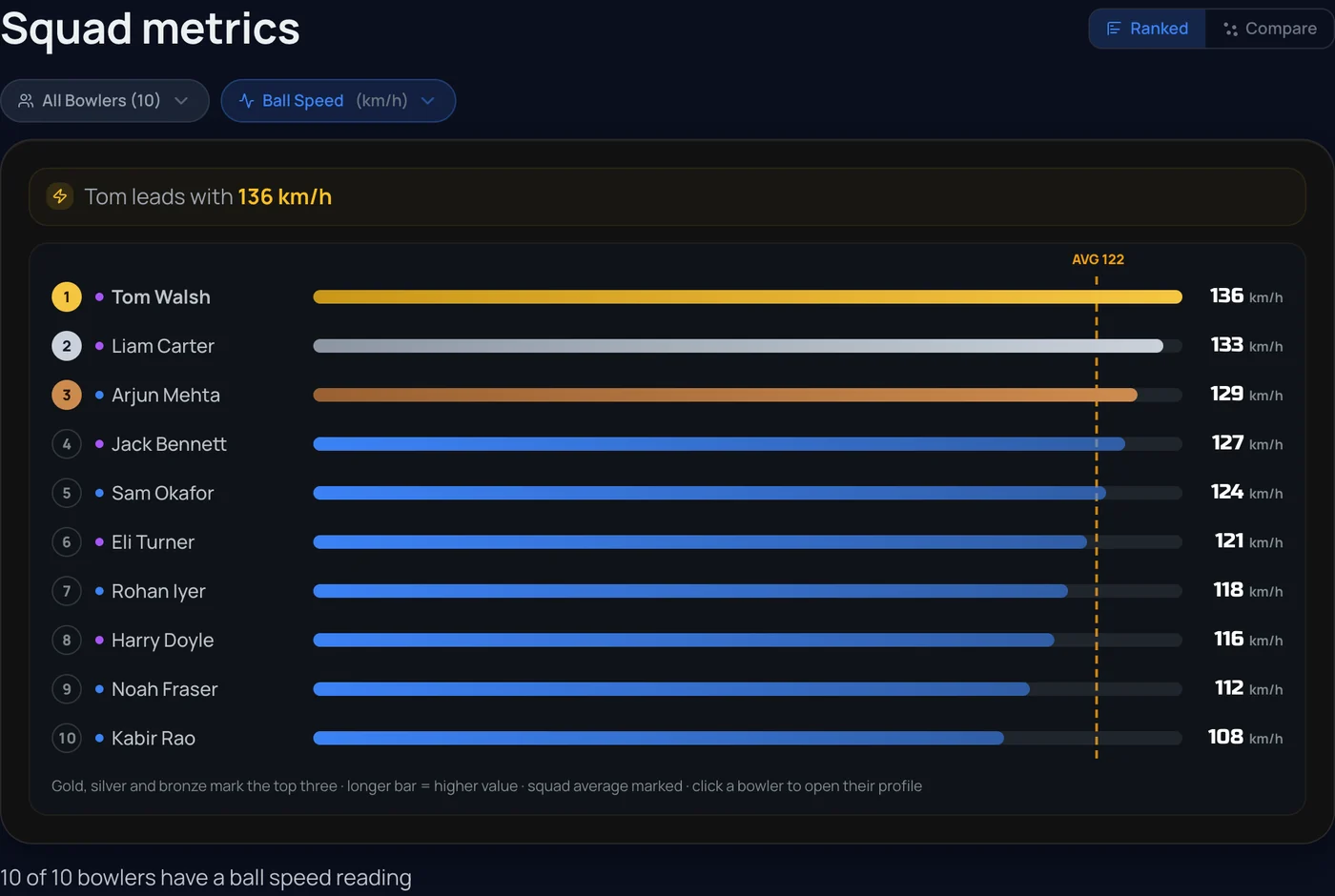
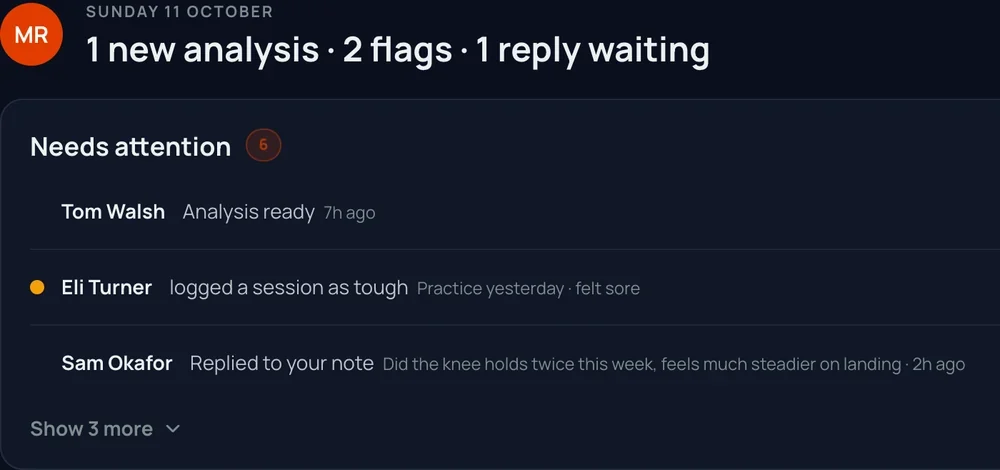
Screens show an example squad. There is no cap on squad size; coach plans are priced by squad size.