Coaches · 3 min
Pitchwolf for coaches
Review your squad, compare bowlers and track their progress.
- 1
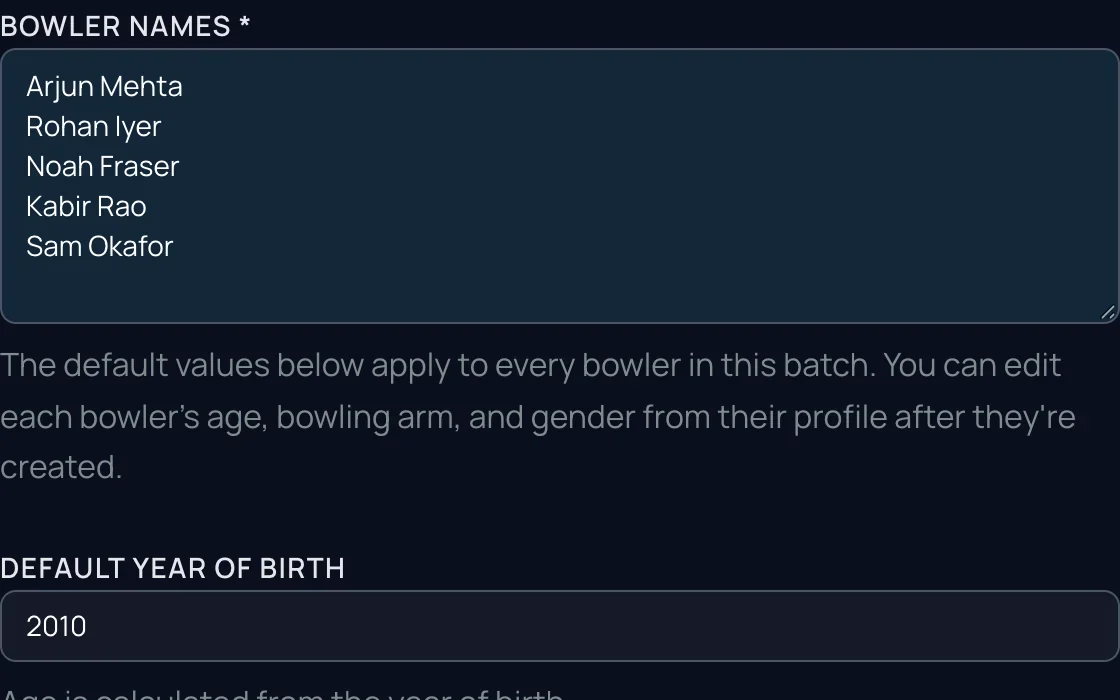
Set up your squad
One bowler at a time, or paste the whole list. Then send each bowler their invite link.
- 2
Film at training, upload for any bowler
Film side-on at the nets and upload the clip under that bowler, from your phone or laptop.
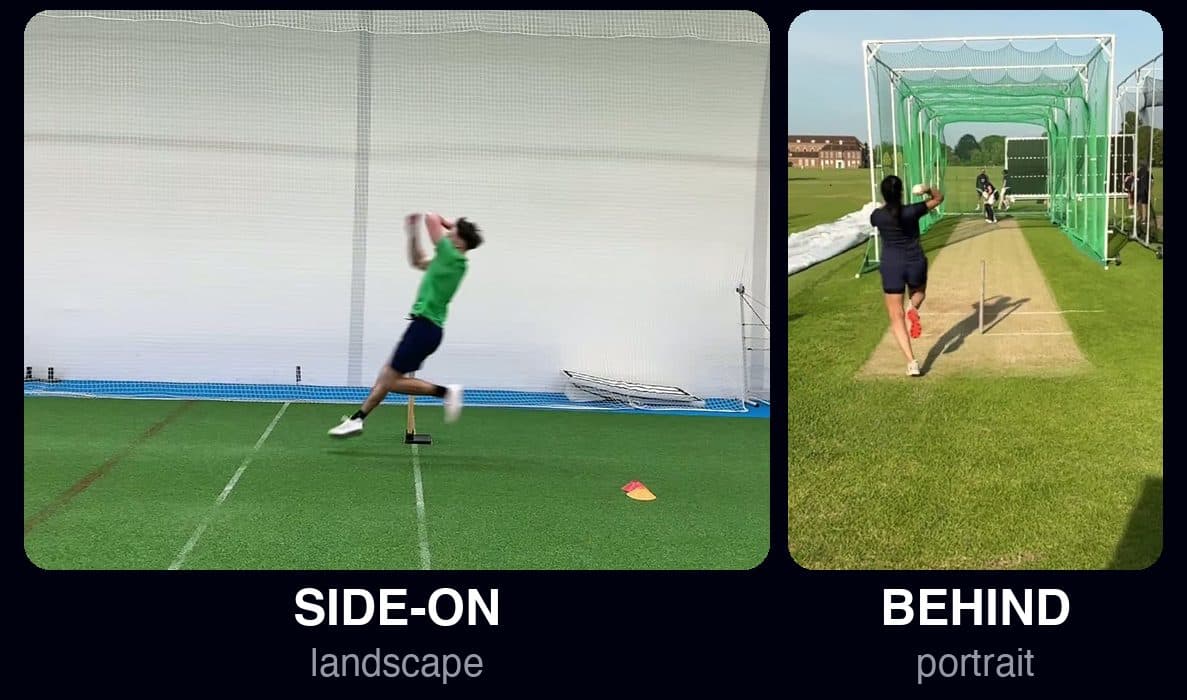
Side-on: Performance AnalysisBehind: Injury Scan - 3
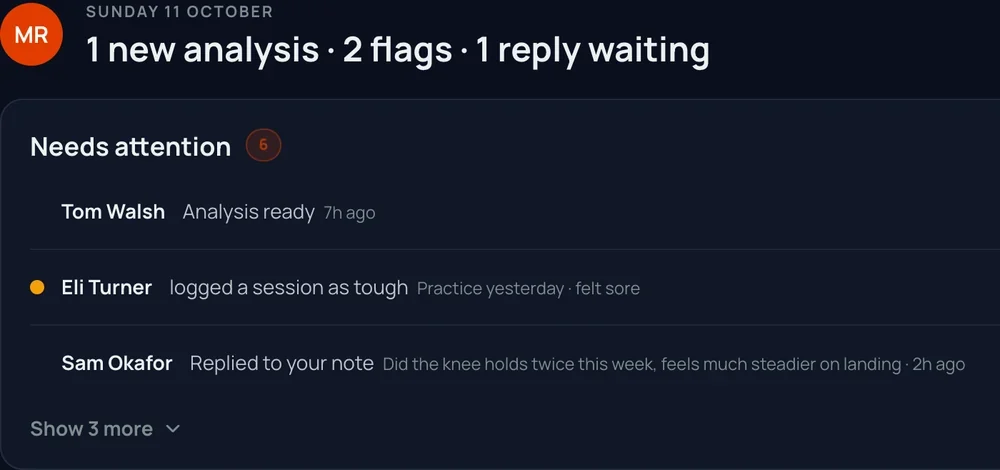
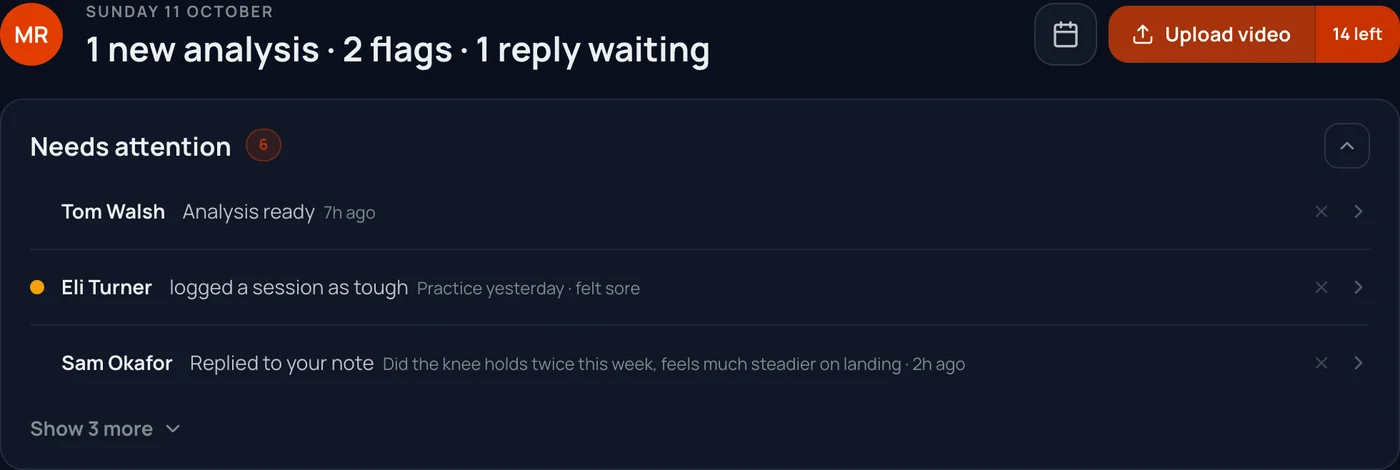
See what changed, most urgent first
New analyses, bowlers who logged pain, dips and replies to your notes, in one list.
- 4
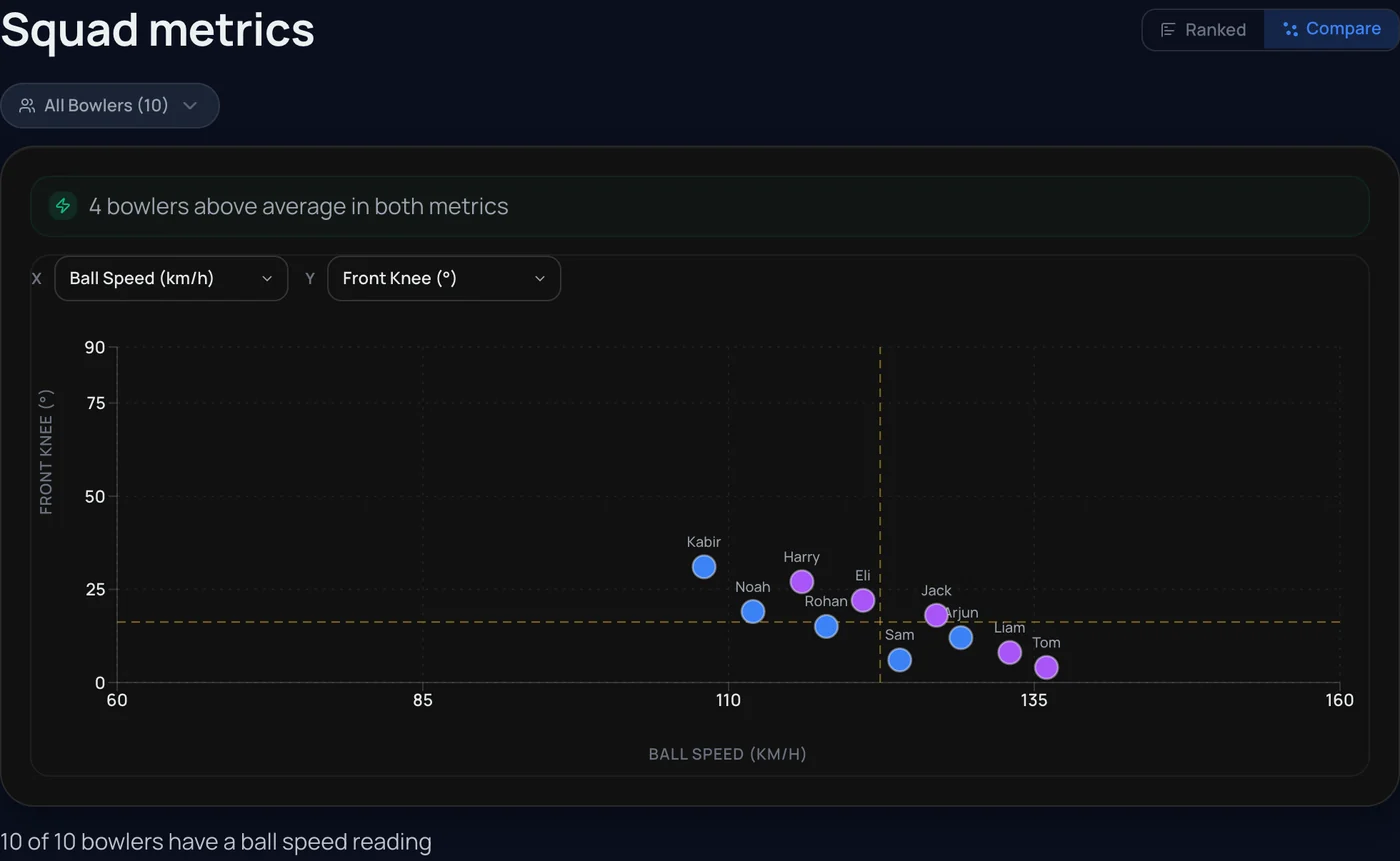
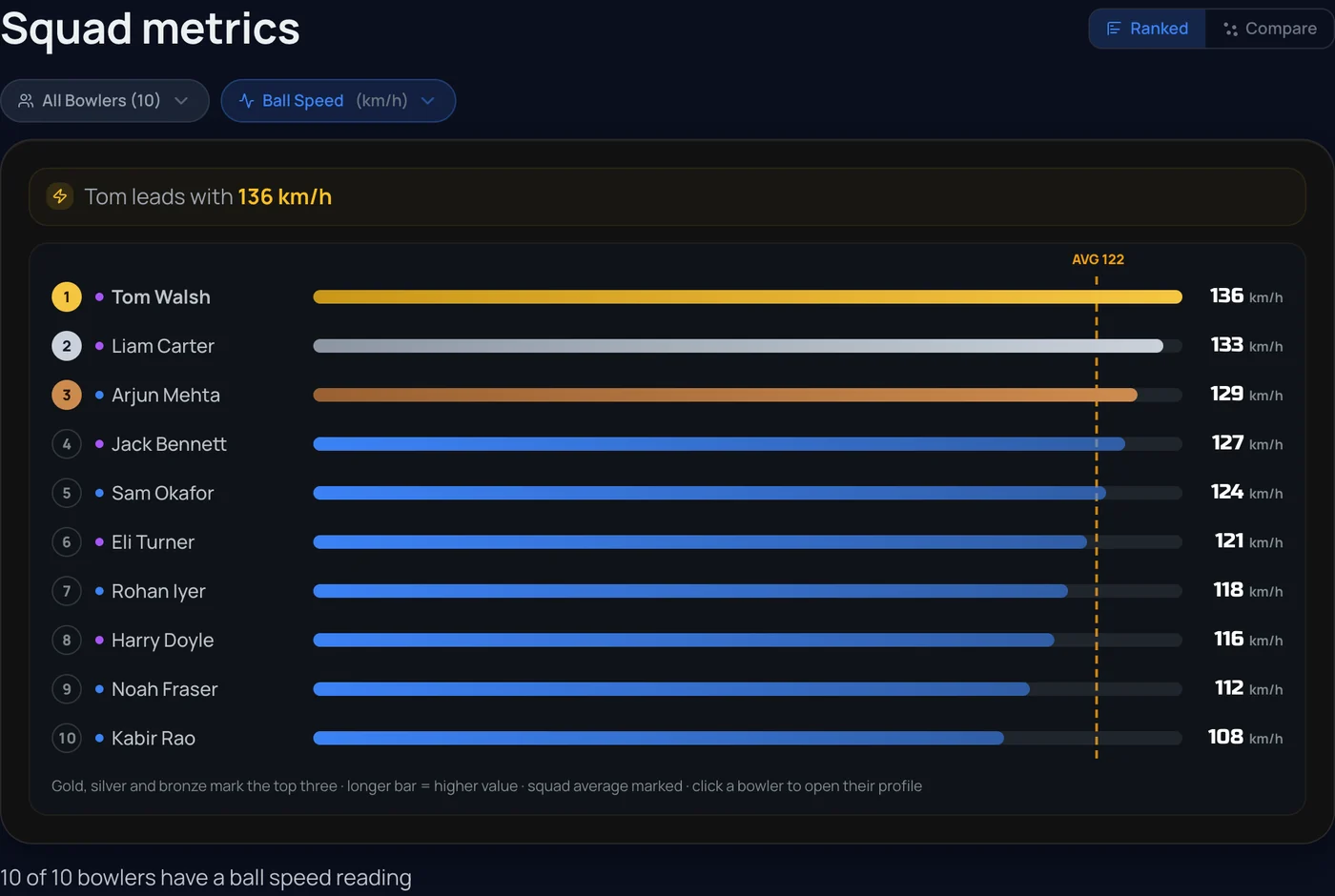
Rank and compare
A squad leaderboard for speed and technique, and any 2 to 6 bowlers side by side.
- 5
Bowlers get the app too
Once they claim their invite, bowlers see their analyses and training plan, and log their sessions.
- 6
Reports to share
Squad, progress and comparison reports as PDFs, for parents, selectors or your program.
Screens show an example squad. Coach plans are priced by squad size. Email contact@pitchwolf.ai and we reply within 24 hours.